µBrowser
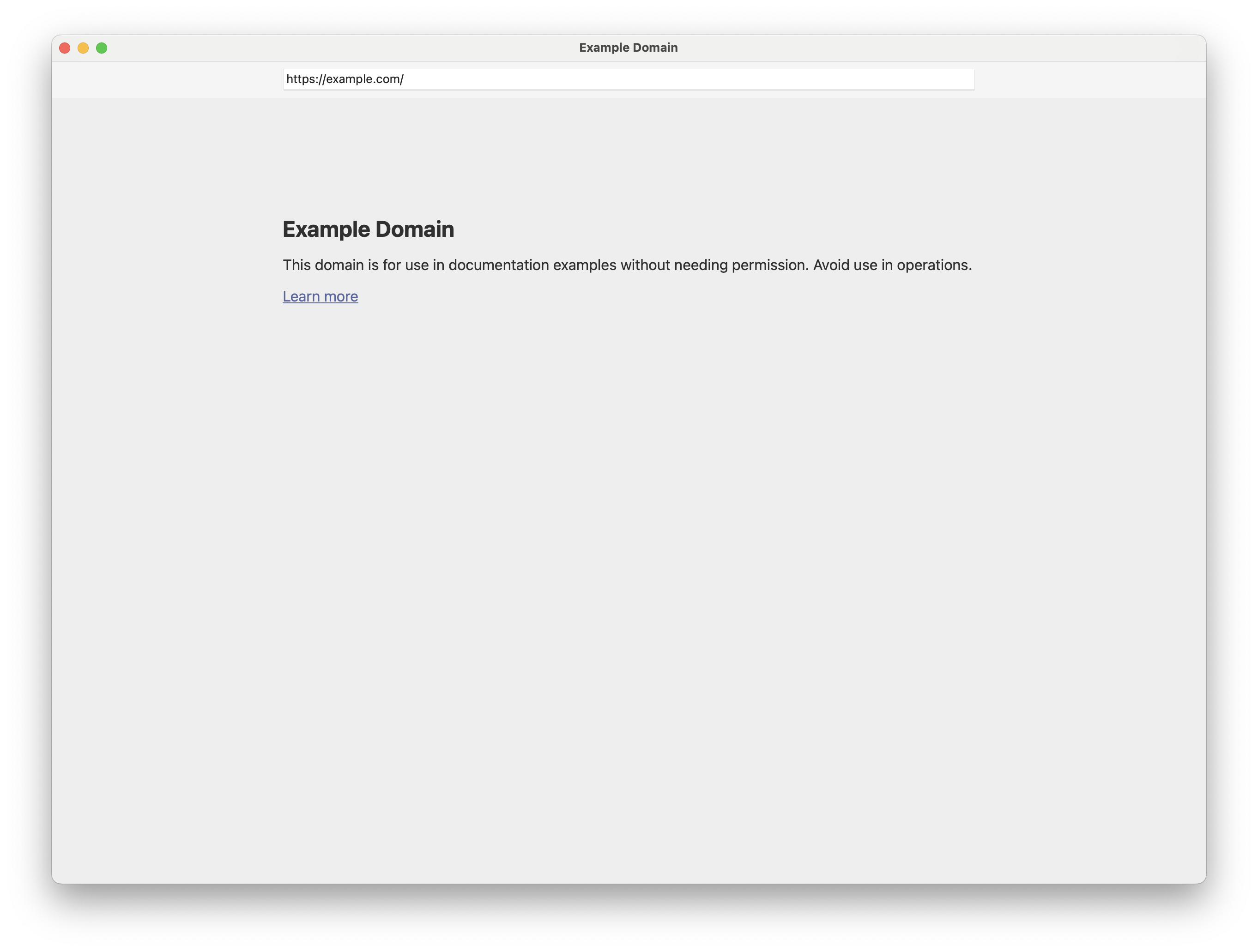
Browsers and web apps have become so large and complicated that some people
use them as their only application. I'm not that kind of person, I still
live mostly outside a browser and my usage of a browser is to open it, do
something and close it. Most browsers are not designed for this use case
which made me increasingly frustrated about the current state of the art.
Thankfully, I found out that WebKit provides all the APIs I need to do the
heavy work and I could build a small code on top of it to create a small,
simple, quick and secure browser. This is what this browser is.
Features
-
Shortcuts only. The browser doesn't have any button. Everything is
done using keyboard shortcuts. As a mostly terminal user I don't want to
deal with the mouse unless really required.
-
Only HTTPS allowed. HTTPS Is quite spread already by default, but
in this browser I wanted to make sure no unsafe pages will be loading.
-
No permanent storage. Storage for cookies and everything else is
temporary and for the current window only. Once the window is closed
everything will be forgotten. This can be a problem for some websites that
assumes that once logged in all windows share the cookies.
-
Block advertising and tracking domains. There are various
extensions to do this in the other browsers, but I wanted to have this
builtin into the browser. We are using the lists provided here.
-
JavaScript enabled by default. Unfortunately most of the web today
requires JavaScript, this is why it is enabled by default. But sometimes
it's much easier (or safer) to browse the web with JavaScript disabled, so
with a quick shortcut it can be disabled.
-
Custom User-Agent. The browser has its own User-Agent, but some
websites enable features only for a specific User-Agent, so there is a
shortcut to quickly switch to the Safari User-Agent if you need it.
-
Address bar shortcuts. There are some websites that we use more
regularly than others. To solve this problem there are address bar
shortcuts. At the moment there are only three of them: "d" goes to
"duckduckgo.com", "g" goes to "google.com" and "w" goes to
"en.wikipedia.org" but you are free to add more of them in the source
code.
-
Remove tracking parameters. Some websites use URL parameters to
track you or something about you. This browser automatically removes the
most common ones.
-
No tabs. This is probably a controversial one, but I wanted to keep
things simple and this browser is not designed to have it "always on", so
I didn't want to complicate things by implementing tabs.
-
No downloads. This is purely because of lazyness, I didn't want to
build the whole UI and background features for the downloads. If you need
downloads you can use another browser.
Shortcuts
As this browser doesn't have any buttons it's important to know all the
shortcuts available. Thankfully there are not that many and most of them are
common for all browsers.
- Cmd+N: New window
- Cmd+W: Close window
- Cmd+M: Minimize window
- Cmd+Q: Close all windows
- Cmd+F: Find in page
- Cmd+G: Find next match
- Cmd+Shift+G: Find previous match
- Cmd+[: Previous page in history
- Cmd+]: Next page in history
- Cmd+L: Focus on the address bar
- Cmd+R: Reload page
- Cmd+Shift+J: Enable/Disable JavaScript
- Cmd+Shift+U: Enable/Disable Safari User-Agent
Download and Install
Here you can find the latest source code.
ubrowser-v002.tar.gz
And this is how to install it.
$ make
$ sudo make install
It requires MacOS 14.0+ and as far as I know all the dependencies are
installed by default on MacOS so nothing else needs to be installed. And
since it's so easy to build and install there is no pre-packaged
application.
Changelogs
v002 (07 January 2026)
- New feature: Address bar shortcuts
- New feature: Remove tracking parameters
v001 (04 December 2025)
Initial version.